
Dive & Ask
Stuck on a word, a diagram, or a step? Start with Dive, then ask the question that helps it click.
Point to the part you mean.
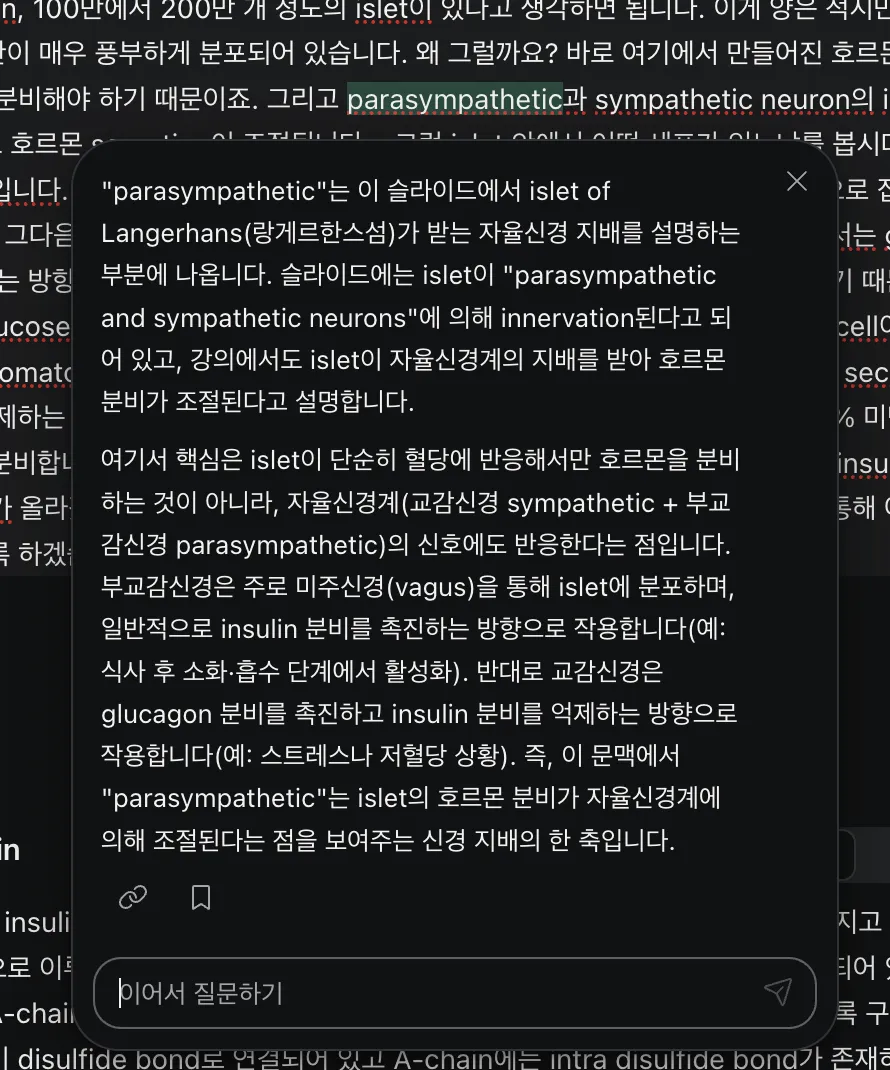
Select a confusing phrase and choose Dive, or type your own question with Ask. Get help right beside the lecture, without copying into another chat or explaining the context again.
Your lecture has more to say.
Ask and Dive can search the lecture itself for the missing context and leave references you can open. Check the source, then keep
Pictures are questions, too.
Select an image or crop just the part you mean. Circle it with the pen or add an arrow, then Ask or Dive into that detail. A quick way to point out what is confusing while the whole idea is still in view.
Keep it where you will use it.
Save a useful answer and drag it beside the material it explains. Add your own words, then return to the source whenever you need it.
Try Dive & Ask